Scalable Design Systems: From Figma to Code
A practical guide to building design systems that grow with your product. From Figma design to implementation with reusable React components and automated documentation.
A design system isn't just a collection of UI components: it's your product's visual DNA, the source of truth that ensures consistency, efficiency, and scalability. At ESTETA, we've built design systems for products that grew from MVP to enterprise platforms, and we've learned valuable lessons along the way.
The Foundation: Design Tokens
Colors
Don't limit yourself to 'blue' and 'red'. Create semantic scales: primary, secondary, neutral, success, warning, error. Each color should have variants (50, 100, 200... 900) for flexibility.
Typography
Define consistent typographic scales (font-size, line-height, letter-spacing). Use golden ratio or modular scales for visual harmony.
Spacing
Spacing system based on multiples of 4px or 8px. This creates visual rhythm and facilitates pixel-perfect alignment.
Shadows & Radius
Consistent elevation levels (shadow-sm, shadow-md, shadow-lg) and standard border-radius values.
Figma Architecture
• Foundations Page: Design tokens displayed as style library
• Components Page: Atomic components (Button, Input, Badge)
• Patterns Page: Component combinations (Form, Card, Modal)
• Templates Page: Complete layouts for reference
Use Auto Layout intensively: every component must adapt dynamically to content. This makes design closer to real code behavior.
Implement Variants to cleanly manage states (default, hover, disabled) and variants (size, color).
Design to Code: The Bridge
1. Shared Naming Convention
Use identical names in Figma and code. If in Figma you have
button/primary/lg, the React component will be <Button variant='primary' size='lg' />2. Figma Tokens Plugin
Export design tokens as JSON and integrate in build pipeline. Modify a color in Figma? It updates automatically in code.
3. Storybook as Source of Truth
Every Figma component has its Storybook equivalent. Designers can see the real implementation state.
// Design tokens exported from Figma
{
  "color": {
    "primary": {
      "500": "#6366f1",
      "600": "#4f46e5"
    }
  },
  "spacing": {
    "4": "16px",
    "6": "24px"
  }
}
Atomic React Components
Atoms: Button, Input, Icon, Badge
Molecules: SearchBar, FormField, Dropdown
Organisms: Header, Sidebar, DataTable
Every component must be:
• Accessible: ARIA labels, keyboard navigation
• Type-safe: Well-defined TypeScript props
• Documented: Storybook with examples and API docs
• Tested: Unit tests and visual regression tests
// Example component with type-safe props
interface ButtonProps {
  variant: 'primary' | 'secondary' | 'ghost'
  size: 'sm' | 'md' | 'lg'
  disabled?: boolean
  onClick?: () => void
  children: React.ReactNode
}

export const Button: React.FC<ButtonProps> = ({
  variant,
  size,
  disabled,
  onClick,
  children
}) => {
  return (
    <button
      className={cn(
        'button',
        `button--${variant}`,
        `button--${size}`,
        disabled && 'button--disabled'
      )}
      onClick={onClick}
      disabled={disabled}
      aria-disabled={disabled}
    >
      {children}
    </button>
  )
}
Living Documentation
• Automatic: Generated from code (JSDoc, TypeScript types)
• Interactive: Storybook lets you play with props
• Contextual: When to use, when NOT to use the component
• Accessible: A11y guidelines for every component
Use tools like Storybook + Chromatic for automatic visual regression testing.
Governance and Evolution
• Review Process: New components go through design + code review
• Versioning: Semantic versioning for breaking changes
• Deprecation Policy: How to gradually remove obsolete components
• Contributor Guidelines: How the team can propose improvements
Conclusione
Building a scalable design system requires initial investment, but pays off exponentially in the long run. Product consistency, development speed, and simplified onboarding are just some of the benefits. The key is to start small but with solid foundations, and grow the system organically with actual product needs.
Articoli Correlati
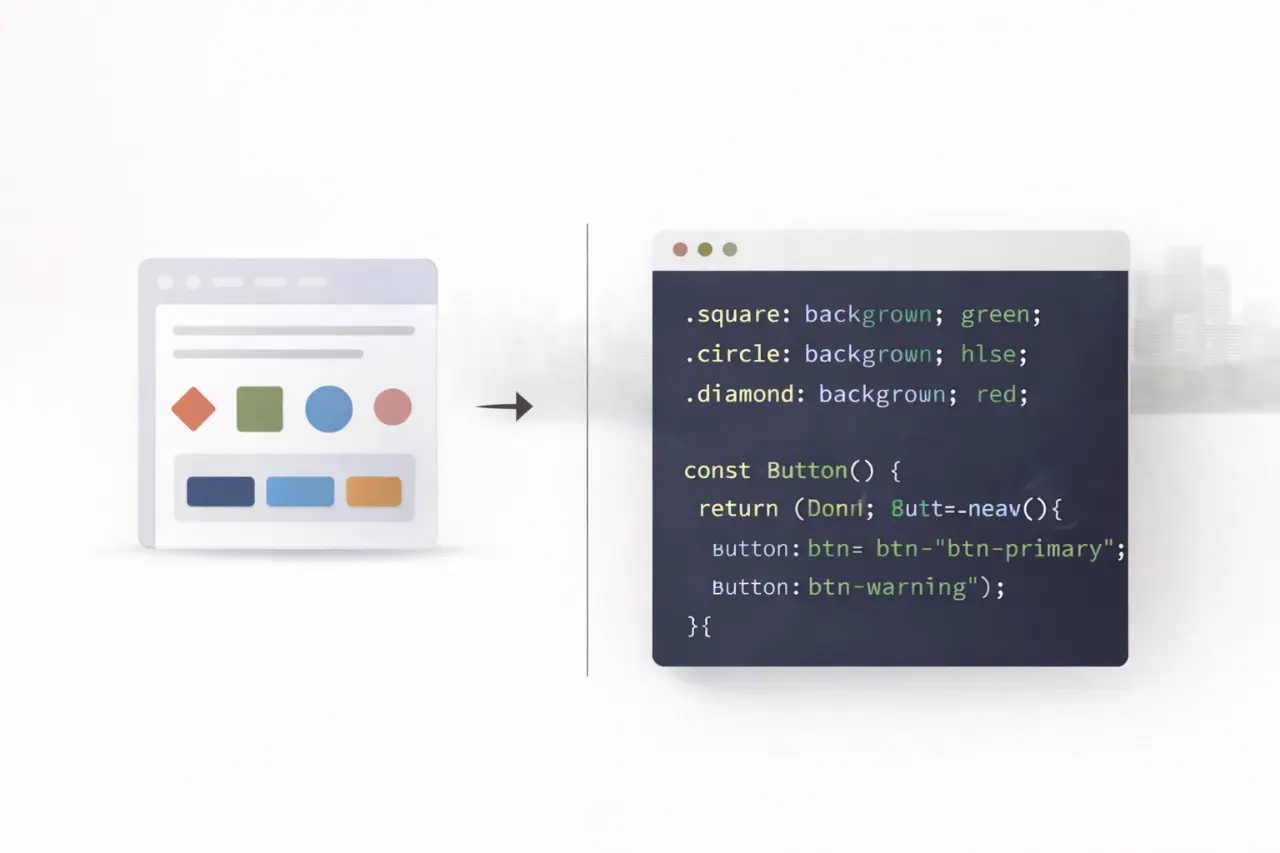
Design System Scalabili: Da Figma al Codice
Una guida pratica per costruire design system che crescono con il tuo prodotto. Dalla progettazione in Figma all'implementazione con componenti React riutilizzabili e documentazione automatizzata.
Micro-Animazioni: Il Dettaglio che Fa la Differenza
Le micro-animazioni trasformano interfacce statiche in esperienze coinvolgenti. Esploriamo tecniche avanzate con Framer Motion e GSAP per creare interazioni fluide che guidano l'utente.

React Server Components: Il Futuro del Rendering Ibrido
Scopri come React Server Components sta rivoluzionando il modo in cui costruiamo applicazioni web moderne, combinando il meglio di SSR e CSR per prestazioni ottimali e developer experience superiore.
ESTETA
Studio creativo specializzato in innovazione digitale, web development, motion design e automazione. Trasformiamo idee in esperienze digitali memorabili.
Hai un progetto in mente?
Parliamo di come possiamo trasformare la tua idea in realtà digitale.
INIZIA UN PROGETTO